Introduction
What Does It Mean to Learn Coding Online?

Why Learning to Code for Free is a Game-Changer
The democratization of tech education has opened up incredible opportunities. Here are the most compelling benefits of using free platforms.
Break Down Financial Barriers to a Lucrative Career
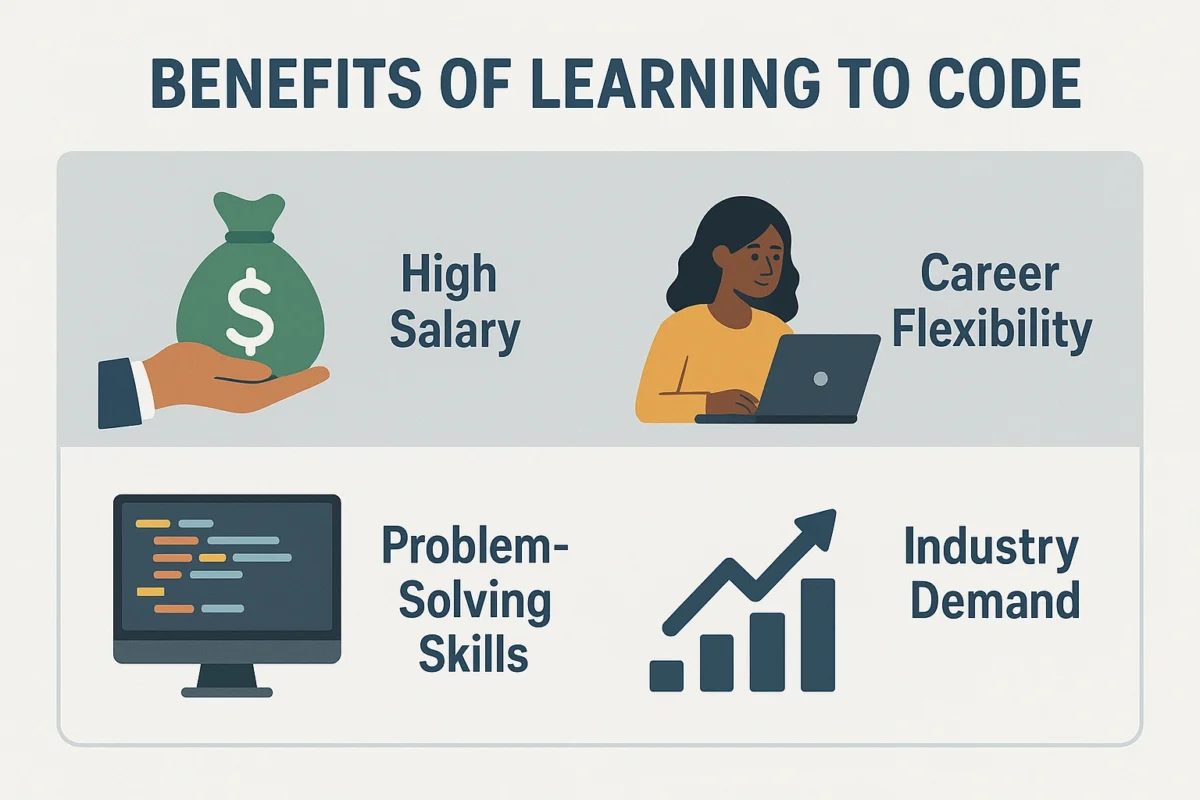
The most obvious benefit is the cost. Free resources eliminate the financial risk, making a tech career accessible to anyone with a computer and an internet connection, regardless of their financial situation. This opens doors to high-paying jobs without the burden of student loans.
Build a Portfolio of Real-World Projects
The best free platforms are project-based. Instead of just learning theory, you’ll be building websites, apps, and algorithms from day one. This hands-on approach means that by the end of the curriculum, you have a tangible portfolio of work to show potential employers, which is often more valuable than a traditional certificate.
Learn at Your Own Pace and Stay Current
Technology moves fast. Online platforms can update their curriculums much faster than universities, ensuring you’re learning the latest, most in-demand skills. The self-paced nature means you can go as fast or as slow as you need, fitting your learning around your life, not the other way around. For more career advice, explore the resources at Infoinaja.
Core Features of the Best Free Coding Platforms
Not all free resources are created equal. The best platforms share these common traits that foster effective learning.
- Structured Curriculum: A logical, step-by-step learning path that takes you from basic concepts to advanced applications, preventing you from getting lost.
- Interactive Code Editor: The ability to write and run code directly in your browser lowers the barrier to entry and provides instant feedback.
- Project-Based Learning: A focus on building complete, functional projects rather than just isolated exercises.
- Strong Community: Active forums, Discord channels, or chat rooms where you can ask questions, get help when you’re stuck, and connect with fellow learners.
- Open-Source and Transparent: Many of the best platforms are open-source, with their curriculums and code publicly available, reflecting the collaborative spirit of the tech industry.
In-Depth Review: freeCodeCamp
freeCodeCamp is a non-profit organization that has helped thousands of people learn to code and get jobs. It’s often the first stop for aspiring developers, and for good reason.
When I first decided to learn web development, I started with freeCodeCamp’s “Responsive Web Design” curriculum. The bite-sized lessons combined with the instant gratification of the in-browser editor were incredibly motivating. Each challenge builds on the last, and before I knew it, I was building my first tribute page. The real value, however, came from the final projects for each certification. They force you to step away from the hand-holding and build something from scratch, which is where the real learning happens. The community forum was also a lifesaver whenever I got stuck.
freeCodeCamp: Pros & Cons
- Pros: Comprehensive curriculum, 100% free, project-based certifications, massive and supportive community, in-browser editor is great for beginners.
- Cons: Can feel like “hand-holding” at times, doesn’t force you to set up a local development environment early on.
Comparison: The Best Free Coding Platforms of 2025
While freeCodeCamp is fantastic, other platforms excel in different areas. Here’s how the top free options stack up.

| Platform | Key Features | Best For |
|---|---|---|
| freeCodeCamp | In-browser editor, project-based certifications, huge community forum, comprehensive curriculum. | Absolute beginners who want a structured, all-in-one platform to learn web development and data science. |
| The Odin Project | Curated open-source curriculum, focus on setting up a real dev environment, strong Discord community. | Determined beginners who want a challenging, in-depth curriculum that mirrors real-world developer workflows. |
| Codecademy (Free Tier) | Highly interactive lessons, wide variety of languages, well-designed UI. | Learners who want to try out different programming languages with highly interactive, beginner-friendly basic courses. |
| Khan Academy | Excellent for absolute beginners, focuses on fundamentals (JS, HTML/CSS, SQL). | Young learners or adults who want to understand the core principles of programming in a fun, visual, and easy-to-digest format. |
Common Mistakes to Avoid When Learning to Code Online
- Getting Stuck in “Tutorial Hell”: The trap of endlessly watching tutorials without ever building anything on your own. You must break away and start building your own projects to truly learn.
- Not Reading the Documentation: Tutorials are great, but learning to read and understand official documentation is a crucial skill for any developer.
- Giving Up When You Get Stuck: Programming is problem-solving. Getting stuck is part of the process. Learning how to debug your code and find answers (using Google, Stack Overflow, etc.) is the skill you’re really building.
- Learning in Isolation: Trying to learn everything by yourself without engaging with a community. Connecting with other learners provides support, motivation, and new perspectives.
- Comparing Your Progress to Others: Everyone learns at a different pace. Focus on your own journey and celebrate your small wins.
Expert Tips & Best Practices for Success
- Code Every Day: Even if it’s just for 30 minutes, consistency is more important than marathon coding sessions once a week. It builds a habit and keeps concepts fresh.
- Build, Build, Build: The moment you learn a new concept, try to build a small project with it. This solidifies your understanding and builds your portfolio.
- Learn to Use Version Control Early: Start using Git and GitHub from day one. It’s a fundamental tool for all developers and a great way to showcase your work.
- Contribute to Open Source: Once you have some basic skills, find a beginner-friendly open-source project to contribute to. It’s a fantastic way to learn, collaborate, and get real-world experience.
“The secret to becoming a self-taught developer is to stop being a consumer of tutorials and start being a producer of projects. Your GitHub profile is your new resume,” says Quincy Larson, founder of freeCodeCamp.
Frequently Asked Questions (FAQ)
Q: Can I really learn to code for free and get a job?
A: Absolutely. Many successful developers are self-taught using free resources. Platforms like freeCodeCamp and The Odin Project are specifically designed to be comprehensive enough for you to build a job-ready portfolio. The key is discipline, consistency, and a focus on building projects to demonstrate your skills to employers.
Q: Which programming language should I learn first in 2025?
A: For beginners, Python and JavaScript are the top two recommendations. Python is known for its simple, readable syntax, making it great for learning programming fundamentals, and it’s heavily used in AI and data science. JavaScript is the language of the web, essential for front-end and back-end development, making it incredibly versatile for job seekers.
Q: How long does it take to learn coding online and get a job?
A: This varies greatly depending on the individual, the time invested per week, and the learning path. With dedicated, consistent effort (15-20 hours a week), many people can become job-ready in 6 to 12 months. The focus should be on mastering fundamentals and building a portfolio rather than just rushing to the finish line.
Q: What’s the difference between freeCodeCamp and The Odin Project?
A: freeCodeCamp has its own built-in curriculum and interactive code editor, making it very beginner-friendly. The Odin Project acts more as a curated curriculum, guiding you through the best existing resources on the web and teaching you to set up a professional development environment on your own computer. Odin is often considered more challenging but more aligned with real-world developer workflows.
Q: Do I need a powerful computer to learn to code?
A: No, you don’t need a high-end machine for most web development or introductory programming. Any modern laptop or desktop capable of running a web browser is sufficient to start, especially with browser-based platforms like freeCodeCamp. As you advance into more demanding fields like game development or machine learning, you may need a more powerful computer.
Conclusion
The path to becoming a software developer is more accessible today than ever before, thanks to the wide range of free coding platforms available. By leveraging these free coding platforms, aspiring developers can learn essential skills at their own pace without financial barriers. Success comes from moving quickly from passive learning to active building, and using free coding platforms allows you to practice and experiment in real projects. Committing to a consistent schedule on the best free coding platforms helps you build a strong portfolio while gaining confidence in your coding abilities. When you invest your time in free coding platforms, you’re not just acquiring skills—you’re opening the door to a limitless future in tech.