Master LinkedIn personal branding with our expert tips. Learn to optimize your profile, create engaging content, and grow your professional networking for success.
Introduction
What is LinkedIn Personal Branding?
Why a Powerful LinkedIn Brand is Non-Negotiable
Investing in your LinkedIn presence is one of the highest-ROI activities for your career.
Become a Magnet for Recruiters and Opportunities
Over 95% of recruiters use LinkedIn to find and vet candidates. An optimized profile with relevant keywords and demonstrated expertise makes you discoverable. A strong brand with engaging content makes you desirable, leading to a steady stream of inbound interview requests and job opportunities.
Build Authority and Become a Thought Leader
Consistently sharing valuable insights, opinions, and analysis on industry topics positions you as an expert. This thought leadership builds credibility that extends beyond the platform, leading to speaking invitations, media mentions, and a stronger negotiating position in your career.
Cultivate a High-Value Professional Network
LinkedIn is not just about collecting connections; it’s about building relationships. A strong brand gives people a reason to connect with you. By engaging thoughtfully, you can build a powerful network of peers, mentors, and advocates who can provide support, advice, and opportunities throughout your career. Find more career strategies at Infoinaja.
The Anatomy of a Killer LinkedIn Profile: A Step-by-Step Optimization Guide
Your profile is the foundation of your brand. Let’s break down how to optimize each critical section.
1. Your Headshot and Banner
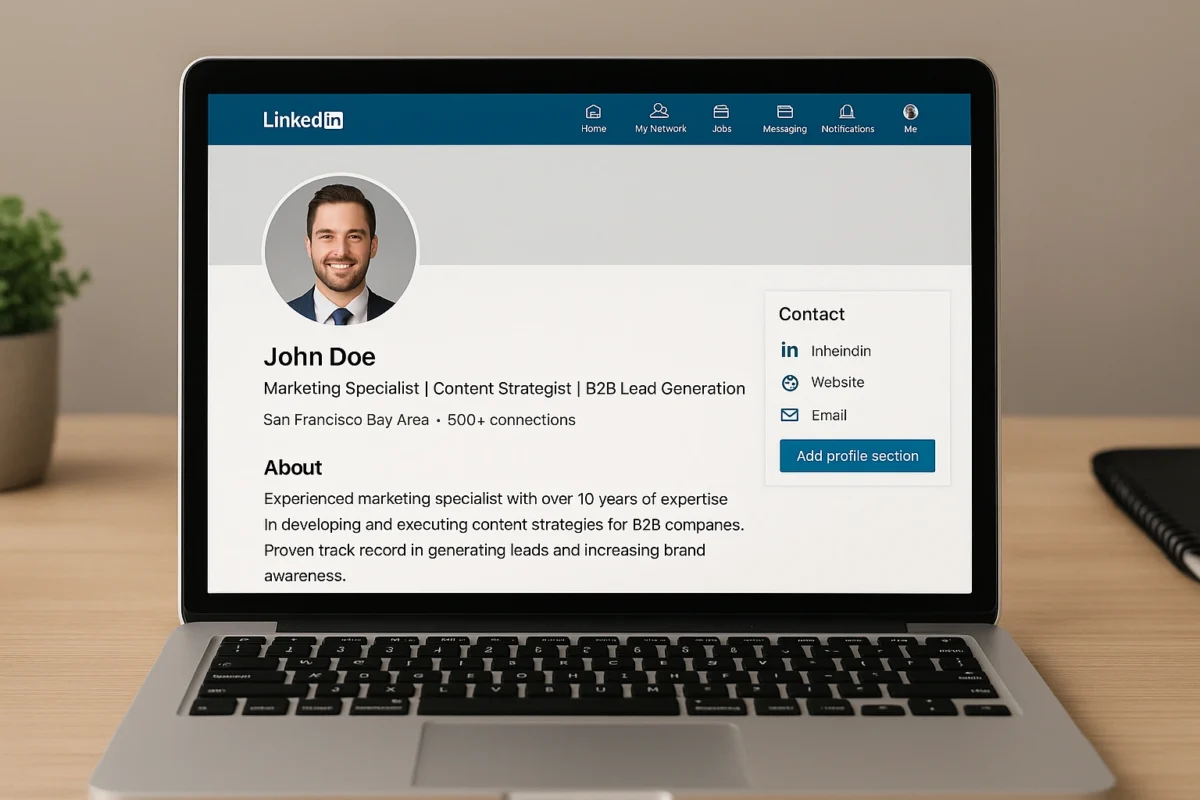
Your headshot is your digital handshake. It should be a high-quality, professional photo where you are looking at the camera and smiling. Your banner image is valuable real estate. Instead of the default blue background, use a custom banner that reflects your brand—it could include your brand statement, company logo, or an image of you in action (e.g., speaking at an event).
2. The All-Important Headline
Your headline is the most important part of your profile for search visibility. Don’t just put your job title. Use the 120 characters to describe what you do, who you help, and the value you provide, packed with relevant keywords.
Before: “Marketing Manager at ABC Corp”
After: “Data-Driven Marketing Manager | Helping SaaS Startups Grow with SEO & Content Strategy | B2B Tech”
3. The “About” Section: Your Brand Story
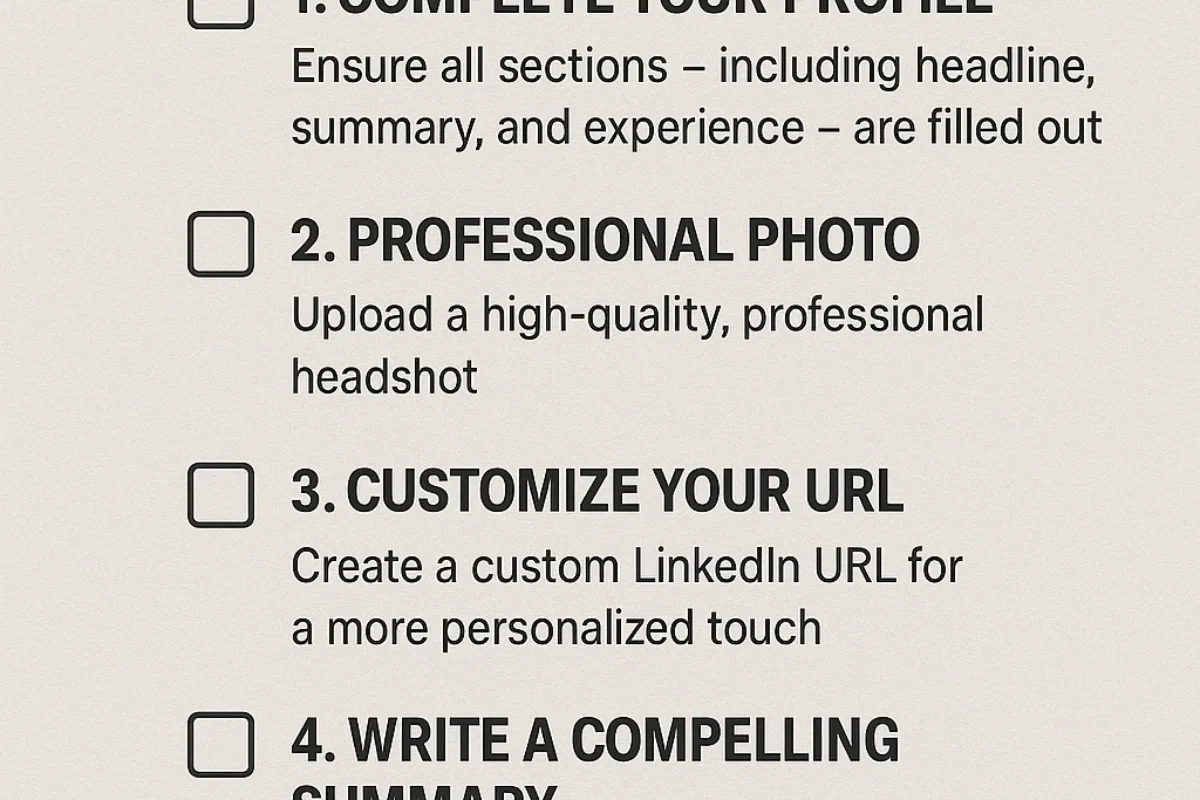
This is where you tell your story. Write in the first person. Start with a powerful hook that summarizes your mission. Then, detail your expertise, your career journey, and your key accomplishments. End with a clear call-to-action, like “Feel free to connect with me to discuss marketing strategy” or “Check out my portfolio below.”
4. The “Featured” Section: Your Portfolio
This section allows you to visually showcase your best work. Pin your most popular LinkedIn posts, links to articles you’ve written, case studies, or your personal website. It’s a powerful way to provide proof of your skills and expertise.
5. The “Experience” Section: Results, Not Responsibilities
Don’t just list your job duties. For each role, use 3-5 bullet points to highlight your key achievements. Quantify your results whenever possible using the STAR method (Situation, Task, Action, Result).
Instead of: “Managed social media accounts.”
Write: “Grew organic social media engagement by 200% in 6 months by implementing a new content strategy focused on video.”
The LinkedIn Content Matrix: Choosing Your Format
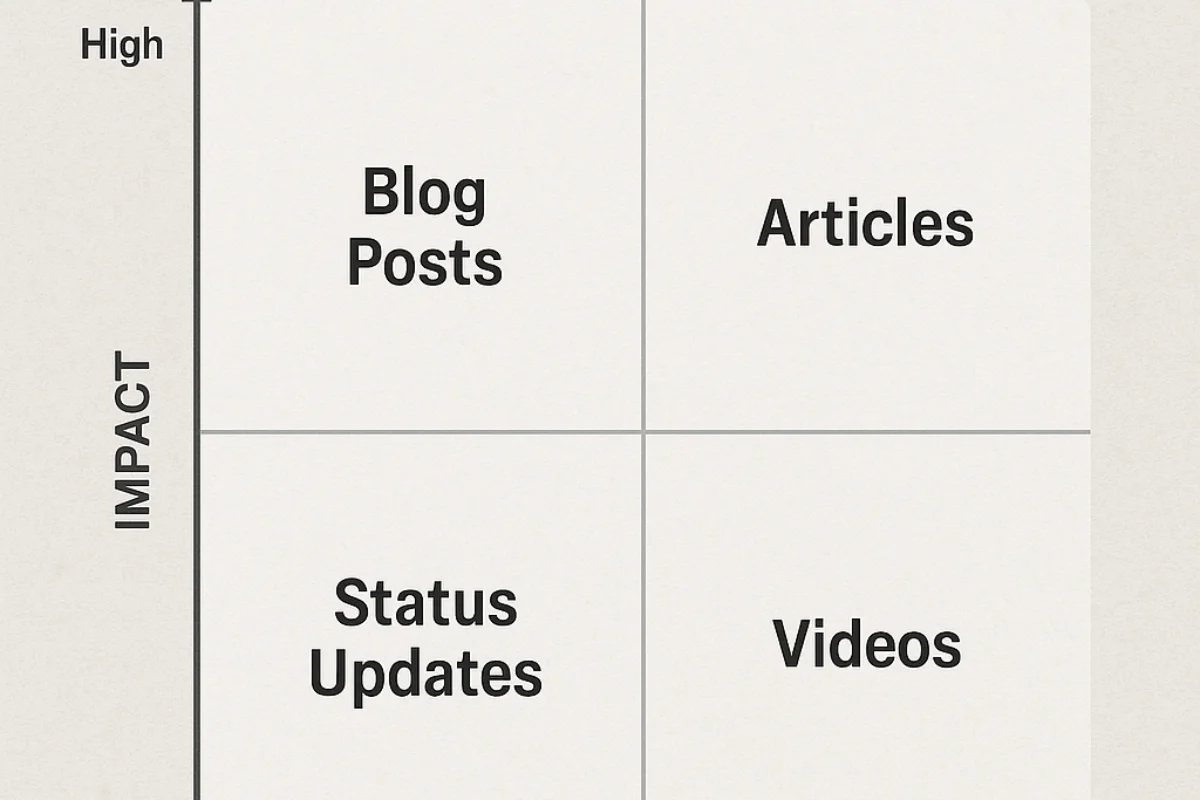
An optimized profile gets you found; a smart content strategy gets you followed. Here’s how to choose the right format for your message.
| Content Type | Best For | Pro Tip |
|---|---|---|
| Text Posts | Sharing quick insights, asking questions to drive engagement, storytelling. | Use strategic formatting (short sentences, bullet points) to make it easy to read. End with a question. |
| Image/Carousel Posts | Visual storytelling, sharing data or infographics, creating mini-tutorials. | Carousel posts (PDF uploads) are highly engaging. Create a 5-10 slide presentation on a topic. |
| LinkedIn Articles | Long-form thought leadership, deep dives into a topic, building a content library on your profile. | Articles are permanently featured on your profile and are great for SEO. Repurpose content from your blog here. |
Common LinkedIn Branding Mistakes to Avoid
- The “Set It and Forget It” Profile: Creating a profile and never engaging. An inactive profile is almost as bad as no profile at all.
- The Generic Connection Request: Sending the default “I’d like to connect” request. It shows a lack of effort and is easily ignored.
- The Hard Sell in the First Message: Connecting with someone and immediately pitching your product or asking for a job. Build a relationship first.
- Only Talking About Yourself: A strong brand is built by being valuable to others. Engage with and promote other people’s content as much as your own.
Expert Tips & Best Practices
- Turn on Creator Mode: This feature changes the “Connect” button to “Follow,” signaling that you are a content creator, and allows you to showcase your topics of expertise.
- Ask for Recommendations Strategically: When you finish a successful project, ask your manager or client for a recommendation while the positive result is fresh in their mind. Guide them by mentioning the specific skills or projects you’d like them to highlight.
- Engage in Niche Groups: Join and actively participate in 3-5 LinkedIn Groups that are relevant to your industry. Answering questions in these groups is a great way to build authority and visibility.
“Your LinkedIn profile is the top search result for your name. It’s the cornerstone of your digital reputation. Treat it like a dynamic landing page for your career, not a dusty archive of past jobs,” says a career strategist featured in Wired.
Frequently Asked Questions (FAQ)
Q: How often should I post on LinkedIn for effective personal branding?
A: For optimal results, aim for consistency over frequency. Posting 2-3 times per week is a great starting point for building momentum and staying visible to your network without overwhelming them. The quality and relevance of your content are more important than the quantity.
Q: Is LinkedIn Premium worth it for personal branding?
A: LinkedIn Premium can be a powerful tool, but it’s not essential, especially when you’re starting out. Its main benefits are seeing who viewed your profile, more InMail credits, and access to LinkedIn Learning. Focus on fully utilizing the free features first. Once you have a consistent strategy, Premium can help accelerate your networking and visibility.
Q: Should I accept all connection requests on LinkedIn?
A: It depends on your strategy. Some people aim for a large network (Open Networkers), while others prefer a smaller, more curated network. A good middle ground is to accept requests from people in your industry, in roles you aspire to, or who have engaged with your content. Avoid connecting with profiles that look like spam.
Q: What is the best way to write a connection request?
A: Always personalize your connection requests. A generic request is easily ignored. Mention a mutual connection, a piece of content they shared that you enjoyed, or a shared interest (like an industry group). A simple, personalized note dramatically increases your chances of acceptance.
Q: How do I find my content niche for LinkedIn personal branding?
A: Your content niche is the intersection of your professional expertise, your passions, and your audience’s needs. Ask yourself: What topics do I know well? What do I enjoy talking about? What problems can I help my target audience solve? Start by creating content around this intersection and pay attention to what resonates most with your LinkedIn Blog.
Conclusion