Master your next virtual interview with our ultimate guide. Discover expert video interview tips, setup secrets, and how to impress recruiters from anywhere.
Introduction
Remember when the phrase “job interview” meant a firm handshake and a trip to a corporate office? Those days are rapidly becoming a memory. A recent Statista report reveals that over 80% of hiring managers now conduct interviews remotely. In 2025, mastering the video interview isn’t just an advantage; it’s a fundamental requirement for career progression. This guide will provide you with a complete roadmap to navigate the nuances of the virtual hiring world. From setting up a flawless home studio to mastering on-screen body language, you’ll gain the confidence and skills needed to stand out from the competition and land your next role, all through the lens of a camera.
What is a Video Interview?
A video interview is a job interview that takes place remotely using video conferencing technology. Instead of meeting in person, the candidate and the interviewer connect via platforms like Zoom, Google Meet, Microsoft Teams, or specialized hiring software. It allows companies to screen and connect with candidates from anywhere in the world, dramatically widening the talent pool and speeding up the hiring process.
The rise of remote and hybrid work models has cemented the video interview as a permanent fixture in the recruitment landscape. It’s no longer just a preliminary screening tool; for many companies, the entire interview process, from the first conversation to the final offer, is conducted virtually. Understanding how to perform well in this format is crucial for demonstrating not only your qualifications but also your tech-savviness and adaptability.

Why Mastering Video Interviews is Non-Negotiable
Treating a video interview like a casual video call is a common and costly mistake. Excelling in this format offers unique advantages that can set you apart.
Access Global Opportunities
Video interviews remove geographical barriers, allowing you to apply for roles at companies across the country or even the world without the need for expensive travel. This opens up a vast new landscape of career opportunities.
Showcase Your Tech Savviness
A smooth, professional video interview setup silently communicates your comfort and proficiency with modern technology. In a world where remote collaboration is key, this is a powerful and highly sought-after soft skill.
Make a Strong, Controlled First Impression
Unlike an in-person interview where many factors are out of your control, a video interview allows you to meticulously craft your environment. You control the lighting, background, and audio to present the most professional version of yourself. For more insights on making a great impression, check out the career guides at Infoinaja.
The Two Main Types of Video Interviews
Not all video interviews are created equal. It’s crucial to know which type you’ll be facing, as the preparation strategy differs for each.
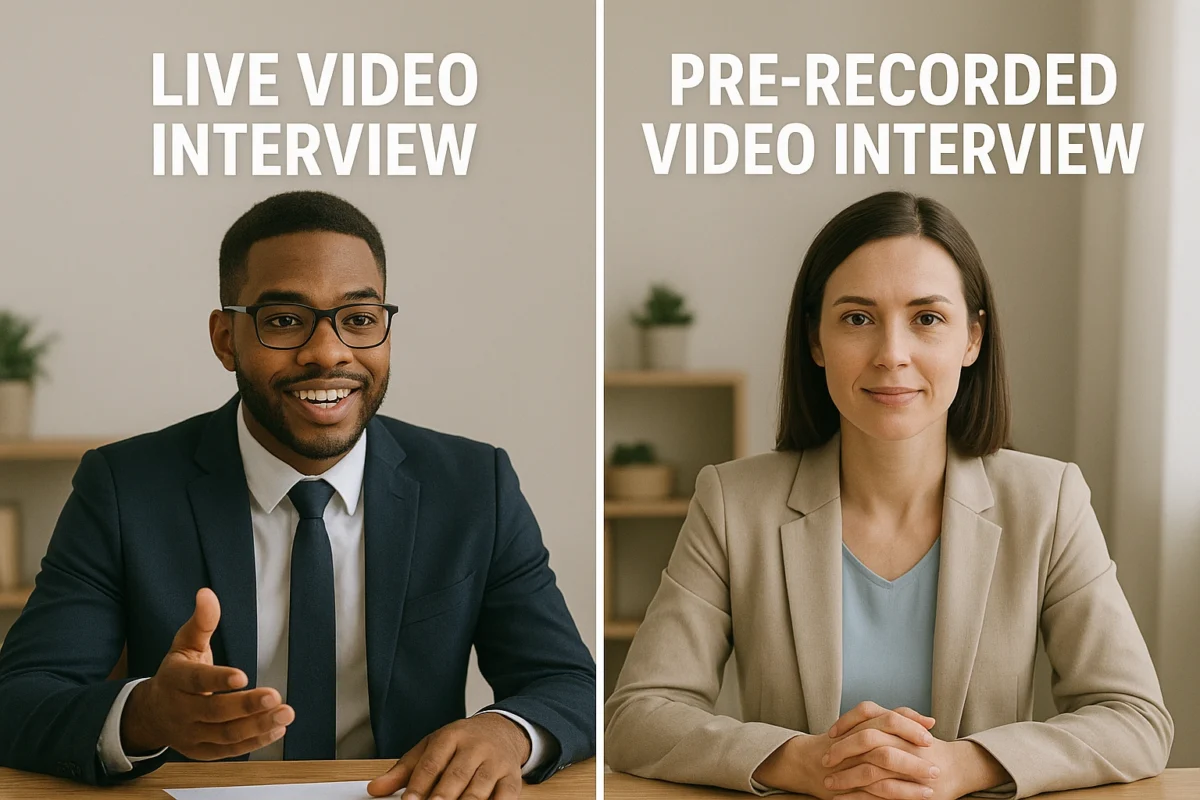
1. The Live Interview (Synchronous)
This is the most common format and closely resembles a traditional in-person interview. You connect with one or more interviewers in real-time via a video call. It’s a two-way conversation where you can ask questions and build rapport.
- Pros: Allows for natural conversation and personal connection.
- Cons: Requires coordinating schedules; susceptible to live technical glitches.
- Best For: Assessing communication skills, personality, and cultural fit.
2. The Pre-recorded Interview (Asynchronous)
In this format, you are given a series of questions on-screen and prompted to record your answers. There is no live interviewer. You typically have a set amount of time to prepare your response and a time limit for the recording itself. You may or may not get a chance to re-record.
- Pros: Flexible scheduling; you can record when you’re ready.
- Cons: Can feel impersonal; no opportunity to ask clarifying questions or read the interviewer’s body language.
- Best For: Early-stage screening of a large volume of candidates.
Setting Up Your Home Studio for Success
Your environment is a direct reflection of your professionalism. Follow these virtual interview tips to create a setup that impresses.
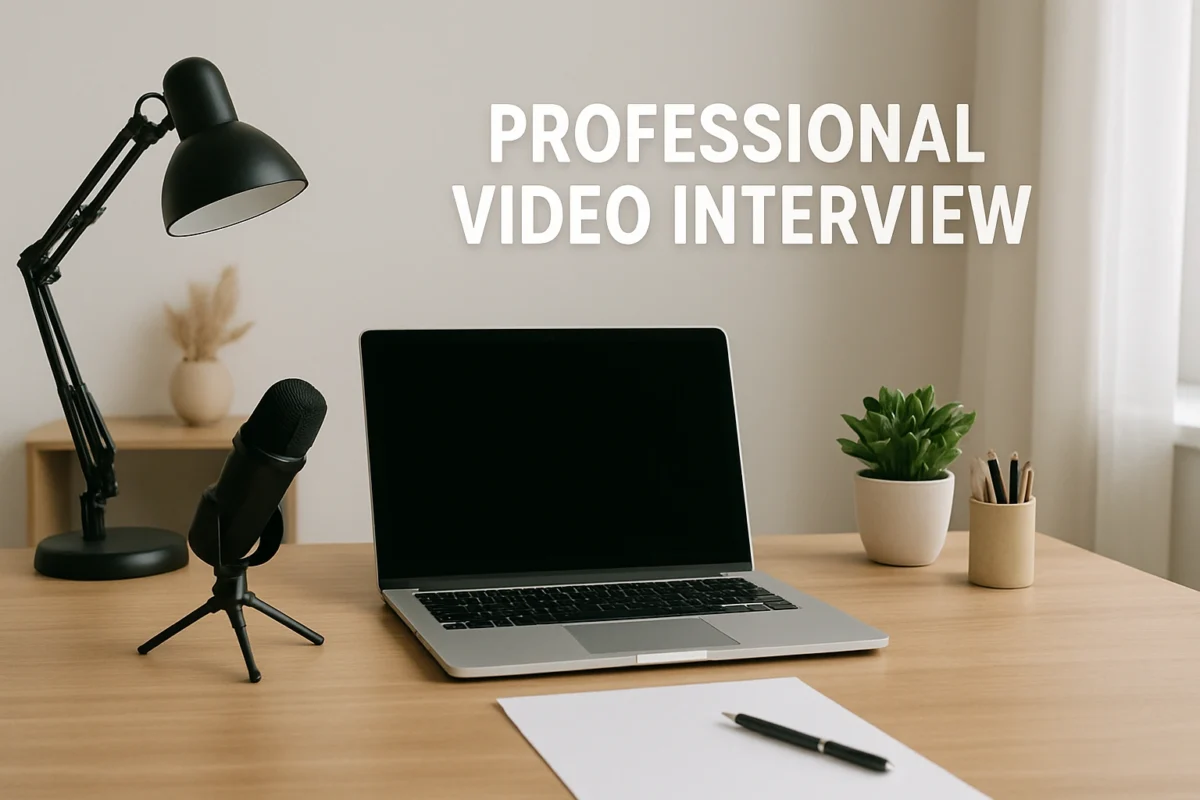
Lighting is Everything
Poor lighting can make you look tired or cast distracting shadows. Your primary light source should be in front of you, not behind or above you.
- Best: Sit facing a window with natural daylight.
- Good: Place a lamp or a ring light behind your laptop, shining on your face.
- Avoid: Sitting with a window behind you (backlighting), which will turn you into a silhouette.
Choose a Professional Background
Your background should be clean, tidy, and non-distracting.
- Best: A neutral wall with a single piece of art or a neat bookshelf.
- Good: A tidy corner of a room.
- Avoid: Messy rooms, beds, open doorways, or distracting posters. Virtual backgrounds are often glitchy and can look unprofessional; a real, clean background is always better.
Optimize Your Camera Angle
The camera should be at eye level. Looking down at the camera is unflattering, and looking up at it can seem dismissive.
- Pro Tip: Stack books under your laptop until the camera is directly at eye level. This simple trick makes a huge difference in how you appear on screen.
- Frame yourself from the chest up, leaving a small amount of space above your head.
Ensure Crystal-Clear Audio
Bad audio can be even more disruptive than bad video.
- Use Headphones or a Headset: This prevents echo and helps you hear the interviewer clearly. A headset with a built-in microphone is the gold standard for clear audio.
- Minimize Ambient Noise: Close windows and doors, inform family or roommates that you have an interview, and silence your phone.
During the Video Interview: Best Practices
Once your tech is set, it’s time to focus on your performance.
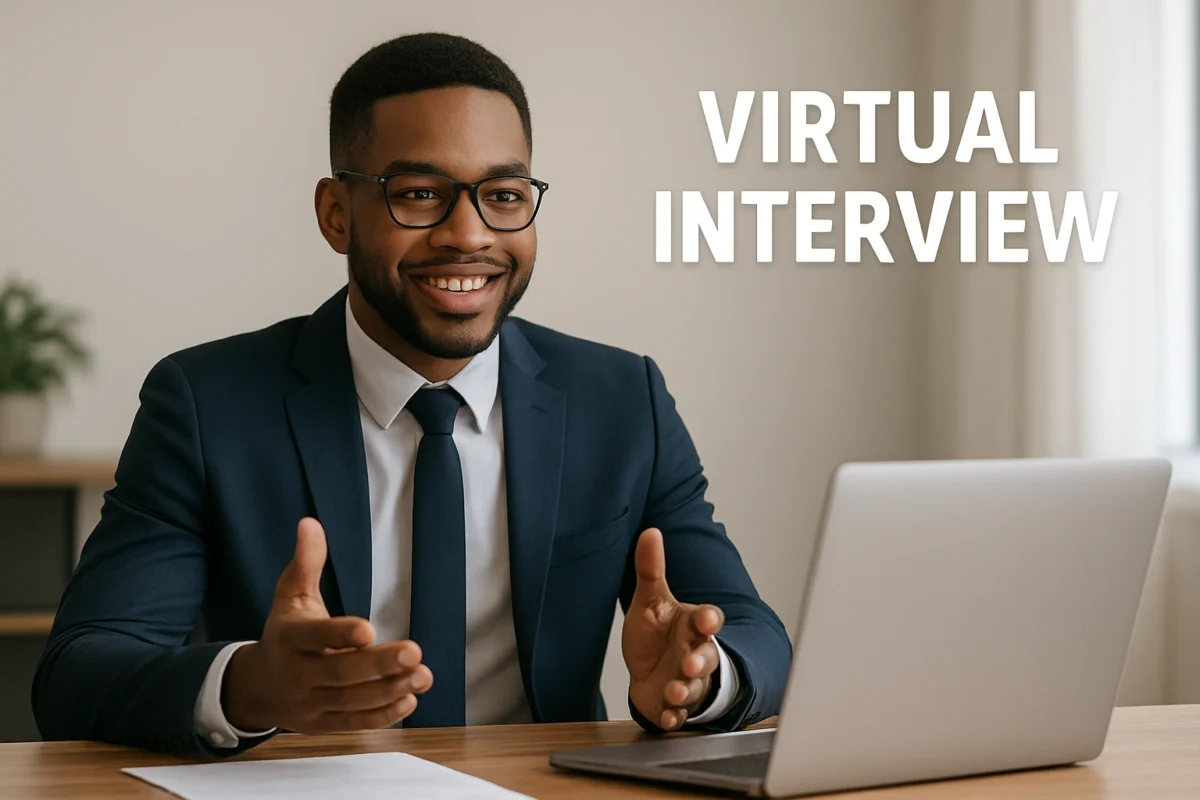
Mastering On-Screen Body Language
Sit up straight, lean slightly forward to show engagement, and use hand gestures as you normally would. Avoid fidgeting or touching your face. A genuine smile can go a long way in building rapport through the screen.
The Eye Contact Trick
This is one of the most crucial virtual interview tips. To simulate eye contact, you must look directly at your webcam lens, not at the interviewer’s image on the screen. It feels strange, but it makes the interviewer feel like you are looking right at them. Place a small sticky note with a smiley face next to your camera to remind you where to look.
Communicate with Clarity
Speak clearly and at a measured pace. It’s a good practice to pause briefly after the interviewer finishes speaking to avoid accidentally interrupting them due to video lag.
Common Video Interview Mistakes to Avoid
- Not Testing Your Technology: Always do a test run. Check your camera, microphone, and internet connection on the specific platform the interview will use. A great resource for this is the Google webcam and mic test.
- Having Distractions in Your Environment: A barking dog, a ringing phone, or a person walking in the background can break the professional atmosphere.
- Reading from a Script: It’s obvious when someone is reading. Your eyes will be moving back and forth, and your tone will be unnatural. Use notes for bullet points only.
- Being Too Casual: Remember, it’s still a formal interview. Avoid overly casual language or a slumped posture.
- Forgetting to Follow Up: Just like an in-person interview, send a thank-you email within 24 hours to reiterate your interest and thank the interviewer for their time.
Expert Tips & Best Practices
- Do a Full Dress Rehearsal: Record yourself answering a few practice questions. This will help you spot any issues with your setup or delivery that you might otherwise miss.
- “Warm Up” Your Voice: Before the call, spend a few minutes talking out loud—read a news article or chat with a friend. This helps you start the interview with a clear and confident voice.
- Prepare for the “Tell Me About Yourself” Question: Your answer should be a concise 60-90 second pitch that connects your experience directly to the role. Nailing this first question sets a positive tone for the entire interview.
- Have Smart Questions Ready: Prepare thoughtful questions to ask the interviewer. This shows your engagement and genuine interest in the role and company.
“The most prepared candidates for a video interview not only have their answers ready but have also eliminated every possible technical and environmental distraction. It shows respect for the process and the interviewer’s time,” says tech recruiter David Chen.
Frequently Asked Questions (FAQ)
Q: What should I wear for a video interview?
A: Dress the same as you would for an in-person interview, at least from the waist up. Opt for solid colors, as busy patterns can be distracting on camera. Avoid colors that are too bright or that blend in with your background. The goal is to look professional and polished.
Q: Where should I look during a video interview?
A: You should look directly at your webcam lens as much as possible, not at the interviewer’s face on the screen. This simulates direct eye contact and creates a stronger connection. It can feel unnatural at first, so practice beforehand.
Q: How do I handle technical difficulties during the interview?
A: Stay calm. If your audio or video cuts out, apologize briefly and try to resolve it. If the problem persists, suggest switching to a phone call. It’s a good idea to have the interviewer’s phone number on hand just in case. Handling the issue calmly can actually demonstrate your problem-solving skills.
Q: Is it okay to use notes during a video interview?
A: Yes, but be discreet. It’s perfectly fine to have a few bullet points on a sticky note next to your camera to remind you of key points or questions you want to ask. However, you should never read directly from a script, as it will sound unnatural and disengaged.
Q: What is the best background for a video interview?
A: The best background is one that is simple, professional, and free of clutter. A neutral-colored wall with minimal, tasteful decor (like a plant or a bookshelf) is ideal. Avoid virtual backgrounds, as they can be glitchy and look unprofessional.
Conclusion
The video interview is more than just a trend; it’s the new standard for modern recruitment. By embracing the format and meticulously preparing your technology, environment, and performance, you can turn a potentially awkward call into a powerful career opportunity. Remember that every detail, from your lighting to your eye contact, contributes to the overall impression you make. Use these virtual interview tips to showcase your professionalism, adaptability, and qualifications, proving that you’re the right candidate for the job, no matter the distance. For more cutting-edge insights on the future of work, publications like Wired offer valuable perspectives.